
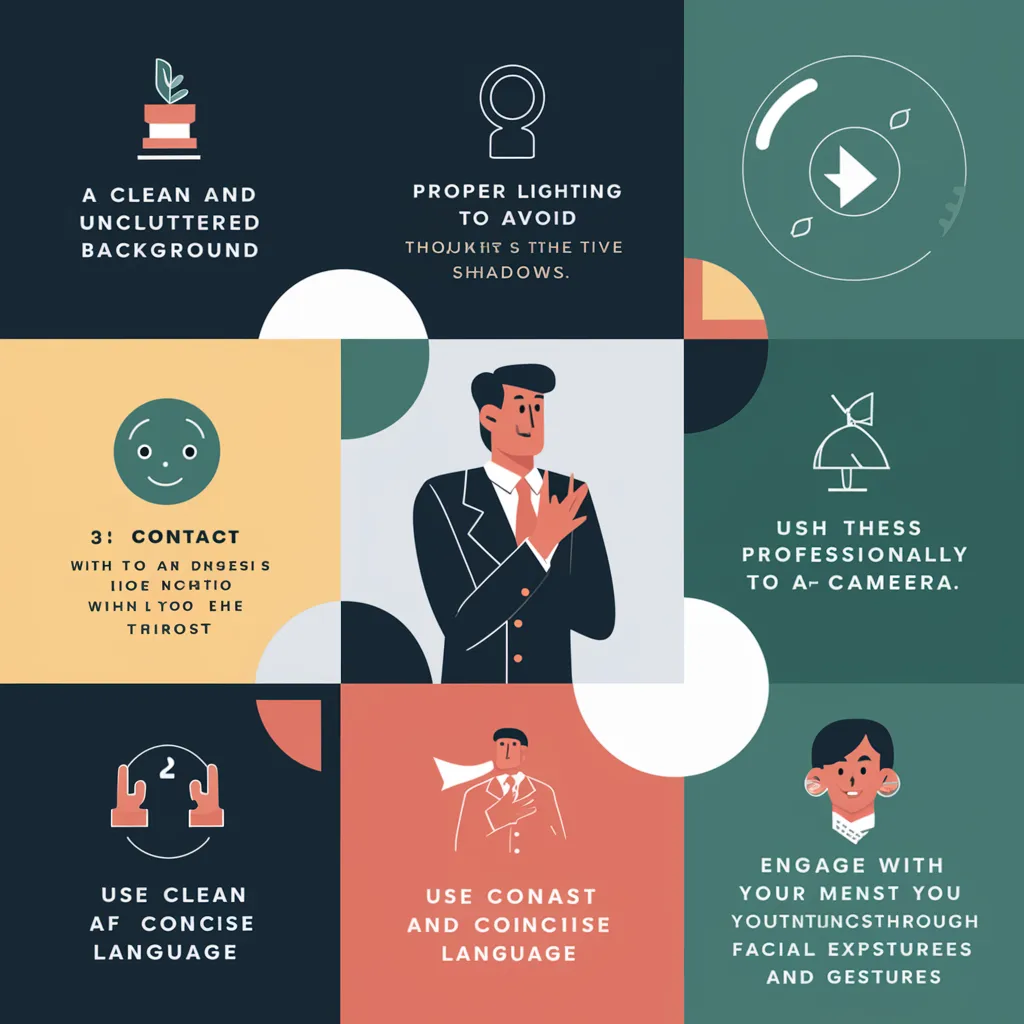
In today’s digital-first world, virtual meetings have become an essential part of professional communication. Whether connecting with colleagues, clients, or global partners, mastering the art of video conferencing is crucial for success. The rise of remote work and hybrid offices has made online meetings the new norm, and understanding how to present oneself effectively can make a lasting impression. These video conference tips are designed to help professionals enhance their presence, improve communication, and ensure that every meeting runs smoothly. From technical setup to body language and etiquette, this guide covers everything needed to make virtual meetings more productive and engaging.
Preparing for a Successful Video Conference
Preparation is the foundation of any successful meeting, and this applies even more to virtual ones. Before joining a call, it’s important to test all equipment, including the camera, microphone, and internet connection. A stable connection ensures that conversations flow without interruptions, while a high-quality webcam and microphone improve clarity and professionalism. Lighting also plays a key role natural light or a soft lamp placed in front of the face helps create a clear and flattering image.
Another essential video conference tip is to choose an appropriate background. A clean, uncluttered space conveys professionalism and minimizes distractions. Many platforms also offer virtual backgrounds, but these should be used carefully to avoid appearing artificial or glitchy. Dressing appropriately is equally important; even though meetings take place online, professional attire helps maintain focus and respect.
Mastering Video Conference Etiquette
Good etiquette is at the heart of effective communication, and virtual meetings are no exception. One of the most important video conference etiquette rules is punctuality. Joining a few minutes early allows time to address any technical issues and shows respect for others’ time. Once the meeting begins, keeping the microphone muted when not speaking prevents background noise from disrupting the conversation.
Maintaining eye contact is another key aspect of virtual communication. Instead of looking at the screen, try to look directly into the camera when speaking—this creates the impression of direct engagement. Avoid multitasking during the meeting, as it can appear unprofessional and distract from the discussion. Active listening, nodding, and responding thoughtfully demonstrate attentiveness and respect for others’ contributions.
Enhancing Communication and Engagement
One of the biggest challenges in virtual meetings is maintaining engagement. To overcome this, participants should focus on clear and concise communication. Speaking slowly and articulately ensures that everyone can follow along, especially in meetings with international participants. Visual aids such as slides, charts, or screen sharing can also help illustrate key points and keep the audience interested.
Another effective video conference tip is to encourage participation. Asking questions, inviting feedback, and acknowledging others’ input fosters collaboration and prevents the meeting from becoming one-sided. For team leaders, setting an agenda beforehand helps keep discussions organized and ensures that all topics are covered efficiently. Ending the meeting with a summary of key takeaways and action items reinforces accountability and clarity.
Technical Tips for a Smooth Experience
Technical issues can derail even the most well-planned meeting, so it’s essential to be proactive. A reliable internet connection is the backbone of any successful video conference. Using a wired connection instead of Wi-Fi can reduce lag and improve stability. Closing unnecessary applications before the meeting frees up bandwidth and prevents performance issues.
Audio quality is equally important. Investing in a good external microphone or headset can make a significant difference in how clearly one is heard. Background noise can be minimized by choosing a quiet location or using noise-canceling software. For video, adjusting the camera angle to eye level creates a more natural and engaging appearance. These small adjustments can greatly enhance the overall quality of the meeting.
Building a Professional Online Presence
In virtual meetings, first impressions are often formed within seconds. A professional demeanor, confident posture, and positive attitude go a long way in establishing credibility. Smiling naturally, maintaining good posture, and using hand gestures appropriately can make communication more dynamic and relatable.
Another important video conference tip is consistency. Regularly attending meetings on time, being prepared, and following through on commitments builds trust and reliability. For leaders, setting the tone by being organized and respectful encourages others to do the same. Over time, these habits contribute to a strong professional reputation in the virtual workspace.
Managing Large Group Meetings
When hosting large video conferences, organization and structure are key. Setting clear expectations at the beginning helps participants understand the meeting’s purpose and flow. Using features like “raise hand” or chat functions allows everyone to contribute without interrupting. Assigning roles such as moderator or note-taker can also help manage discussions efficiently.
Recording meetings is another useful video conference trick, especially for teams spread across different time zones. This ensures that absent participants can review the discussion later. However, it’s important to inform everyone before recording to maintain transparency and respect privacy.
Overcoming Common Video Conference Challenges
Even with preparation, challenges can arise during virtual meetings. Technical glitches, background noise, or miscommunication can disrupt the flow. The best approach is to remain calm and adaptable. If a connection drops, rejoining quickly and apologizing briefly keeps the meeting on track. If someone’s audio is unclear, politely asking them to repeat ensures that no information is lost.
Another common issue is “Zoom fatigue,” caused by long hours of screen time. To combat this, scheduling breaks between meetings and keeping sessions concise can help maintain focus and energy. Encouraging cameras to be turned on only when necessary can also reduce pressure and make participants more comfortable.
The Future of Video Conferencing
As technology continues to evolve, video conferencing will remain a vital part of professional communication. Artificial intelligence, virtual reality, and advanced collaboration tools are already shaping the future of online meetings. These innovations will make virtual interactions more immersive and efficient, bridging the gap between physical and digital workspaces.
However, no matter how advanced the technology becomes, the fundamentals of communication clarity, respect, and engagement will always be essential.The best video conference tips will continue to focus on human connection, ensuring that technology enhances rather than replaces genuine interaction.
Conclusion
Mastering these video conference tips can transform the way professionals communicate and collaborate in the digital age. From technical setup and etiquette to engagement and professionalism, every detail contributes to a successful virtual meeting. As remote work and global collaboration continue to grow, the ability to conduct effective video conferences has become a critical skill. By applying these strategies, individuals and teams can create meaningful connections, improve productivity, and leave a lasting impression in every virtual interaction.
FAQs
1. What are the most important video conference tips for professionals?
The most important tips include testing equipment beforehand, maintaining good lighting, dressing professionally, muting when not speaking, and maintaining eye contact with the camera.
2. How can I improve communication during a video conference?
Speak clearly, use visual aids, encourage participation, and summarize key points at the end of the meeting to ensure understanding.
3. What is proper video conference etiquette?
Proper etiquette includes being punctual, avoiding multitasking, muting background noise, and showing respect by actively listening to others.
4. How can I look more professional on camera?
Use good lighting, position the camera at eye level, choose a clean background, and wear appropriate attire to project confidence and professionalism.
5. How do I prevent technical issues during a video conference?
Ensure a stable internet connection, close unnecessary apps, test audio and video before the meeting, and keep backup devices or connections ready.